When considering how to shield your site from cyber threats, remember that concerns about web security have spread from large corporations, e-commerce empires, and tech giants to nearly every website today. Attacks can occur at any time and for any reason. Attacks can even happen on your blog, business website, or client portal. Many site operators are unaware they have been hacked until they suddenly see low website analytics, something breaks on their site, or, in the worst case, they experience a data breach.
Our Jungle Creatives guide breaks down website security in clear, non-technical terms. It explains how attacks actually happen, why sites of all sizes are targeted, and where weaknesses usually come from.
How Most Websites Fail on the Security Front
When thinking about website security, it comes down to understanding the weak spots in your site. Think of your website like a house. It has doors and windows that need to be locked. The front door is obvious; that's your login page. But there are also back doors you might not even know about: old software you forgot to update, random files sitting on your server from years ago, or settings you never bothered to check.
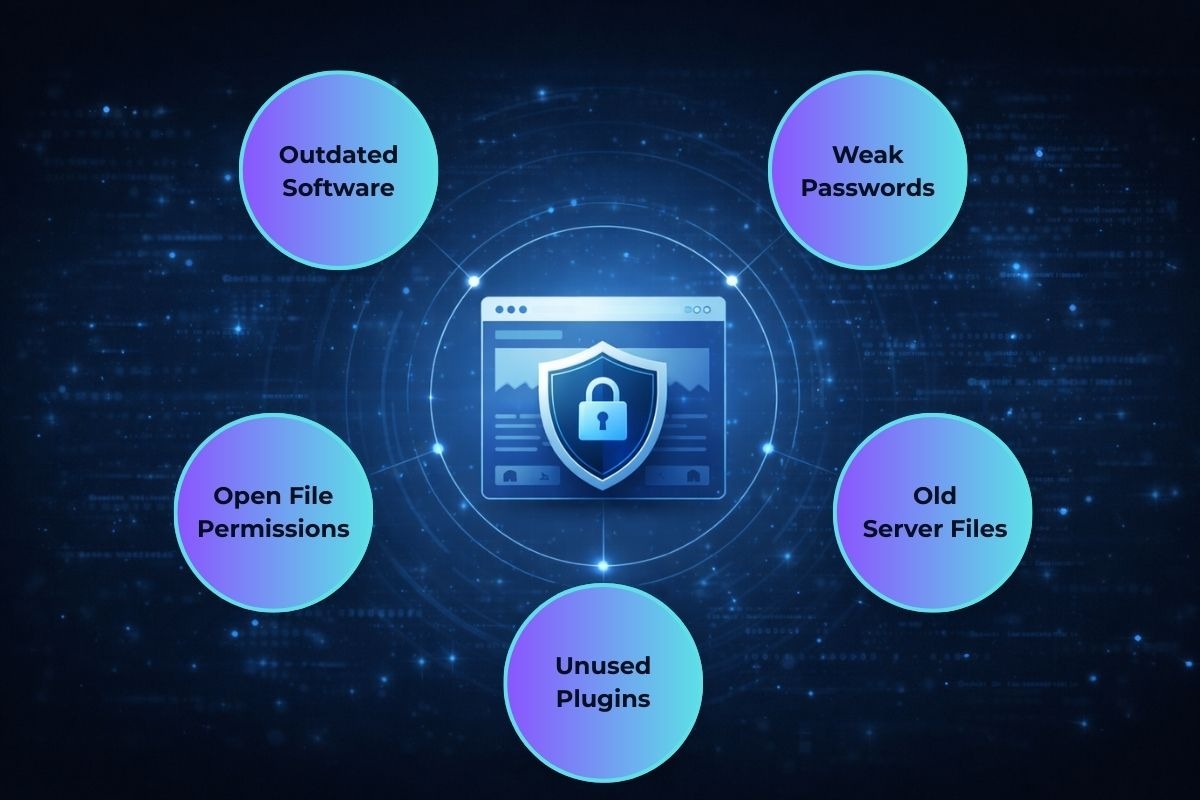
Here's the good news: you don't need to be a tech expert to stay safe. Most hacks happen because of simple, avoidable mistakes. It's like leaving your house key under the doormat. Sure, it's convenient, but everyone knows to look there. The best defense is just paying attention to basic security habits: keep your software updated, use strong passwords, and clean up old stuff you're not using anymore. That alone stops the huge majority of attacks before they even start.
What is automating hacks?
A lot of hacks, including website hacks, are fully automated. You probably didn't think there are automated bots that go from one website to another and initiate the hacks. Websites that get hacked do not have functioning protection. So, there are basically layers of protection that keep the website safe from a remote attack without having to update it directly.
What is a malicious program?
A malicious program is engineered to, at the most basic and general level, harm another entity, and is typically made by a form of script from a computer, stored, and spread. For example, if there is a form to submit, it typically has a button that says submit, and is built to give the entity an action, such as to process the action, and when the action is to be executed, it directs to some bad program, and that is where it is to harm the entity and accomplish the goals of the programmer. If the programmer wants to kick an entity out of a website that is remote, such as a portal to a different website, and the form has a button that says submit, it directs people to that remote website, and it's going to kick them out.
Why Small Websites Are Targeted Just as Often
Because of the nature of cybercrime, many people believe that hackers do not target smaller, less-trafficked websites. In reality, smaller sites are often attacked more than larger sites. Why? Because they are less actively monitored. Problems go unnoticed. Updates are pushed off. Attacks that go unnoticed can lead to more serious consequences that can take a long time to repair.
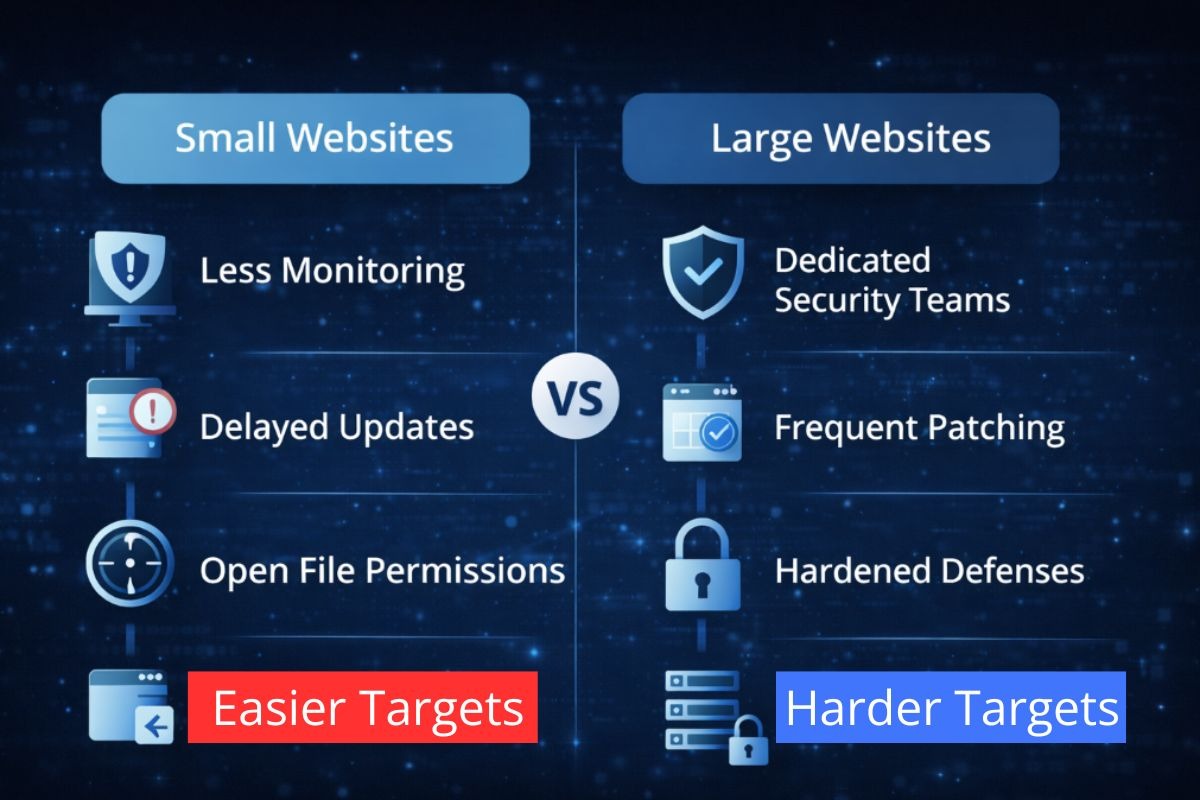
From an attacker's perspective, even a tiny website such as a personal blog can be valuable. It can host malware, be used to send spam emails, or be a part of a botnet. Because of this, the security of websites is a risk that can negatively affect all types of websites.
Common Website Security Risks You Should Actually Care About
Not all website security risks will have the same impact. Some are just annoyances, while others can be damaging to your reputation or affect your site's visibility on search engines permanently.
Outdated Software and Plugins
This is easily one of, if not the biggest, website security risks, and the most preventable. When there's a discovery of a security flaw, attackers will exploit websites that they have not patched. Therefore, if you are slow to update, you are simply making your site an easier target for cyber attacks.
This applies to everything: CMS software, themes, plugins, and even random server-side scripts you forgot about but are still present and accessible.
Weak Authentication Practices
Passwords still are a huge problem. "Password123", using the same password across multiple accounts, and sharing admin accounts are all unacceptable and give too much ease to the attackers.
A huge percentage of breaches occur because login credentials are compromised, not some technical exploit. Exceptionally true for sites that do not have basic security, such as limits on login attempts or monitoring of activity.
Poorly Configured Access Rights
Because it saves time, many people incorrectly and too liberally assign file and folder permissions. Once someone gains access to your site, permission settings that are too liberal let someone modify core files or upload even malicious files without any trouble.
Misconfigurations are dangerous because they do not create immediate problems. The site is operational, while the misconfigurations create vulnerabilities.
Unsecured Data Handling
Websites that have contact forms, login systems, or databases of customer information do not seem to have an adequate response to their security risk. The answer to the question about the security risks of a website that collects personal information without safeguards.
You might not be an online business owner, but if you're not careful with your data practices, you could put emails, passwords, or personal messages at stake.
Identifying Potential Weaknesses
Most gaps in website security are not done on purpose. They build up over time as websites change, get new designs, and are passed around to new owners or developers.
Plugins and Third-Party Additions
There's no doubt that outside code can be beneficial. However, with every additional component comes a new set of problems that require a great deal of upkeep. When support for those updates dries up, the problems get worse.
This creates the conditions where websites can be hacked. Site owners install a component three years ago and totally forget about it, and that neglected component turns into a vulnerability.
Old Files That Were Never Removed
During redesigns or site migrations, old versions of code and backup files, and old test pages are left on servers all the time. Those files are often out of date and can be easily exploited by attackers.
While the front end of your site can look modern and up to date, the backend could be showing users just how vulnerable your site is.
Assumptions Instead of Checks
Site owners largely assume their hosting provider manages everything related to security. While hosting-level security is important, it does not remove your site-level responsibilities. These types of assumptions can be some of the most dangerous and most overlooked risks to the security of your website.
Cyber Threat Websites and the Real Damage They Cause
When a website gets hacked, it gets infected with sites that redirect users to scam sites, inject spam links into their content, or provide malicious downloads. Although these websites could become cyber threat websites from which users get infected, site owners do not intend to harm others.
Search engines seem to track these compromised sites and flag them without warning. And the following consequences ensue:
- You could lose your search rankings
- Visitors to your site could see dangerous security warnings from their browser
- Your domain could be added to the blacklist of your email provider
- You could lose the trust of your visitors, sometimes irrevocably
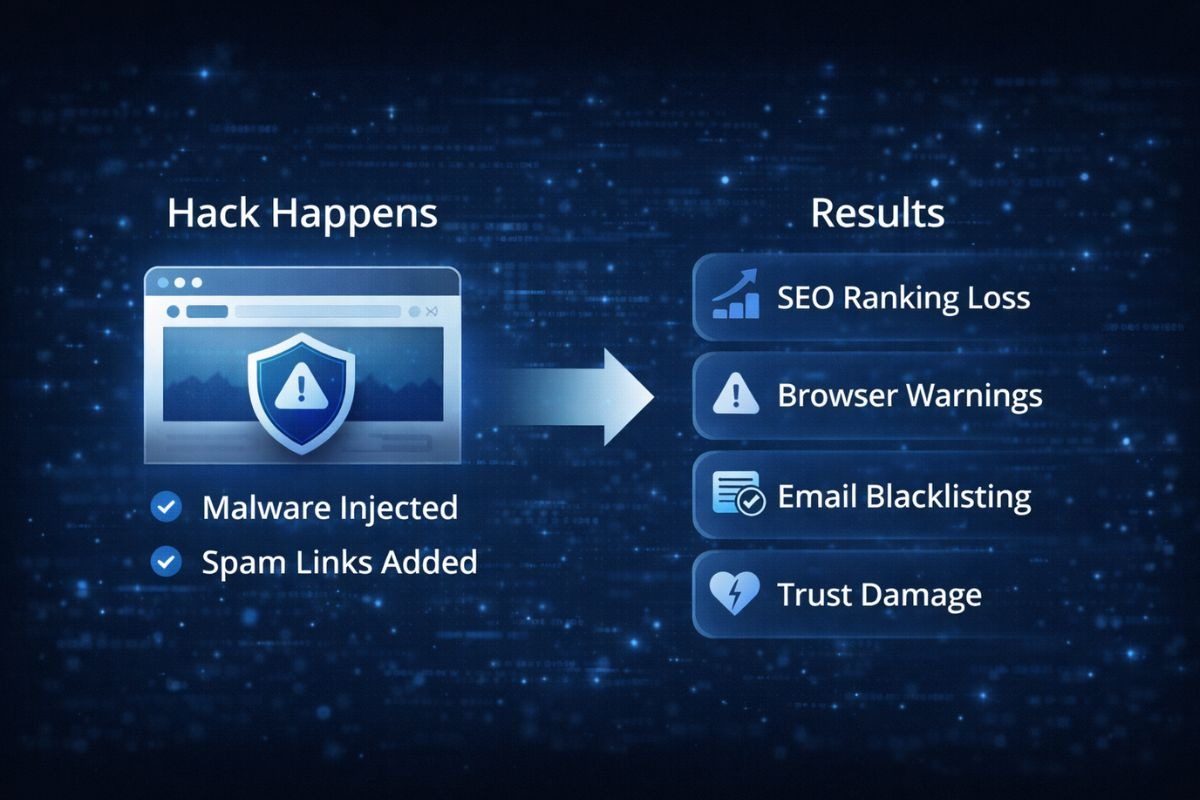
Damages that could be permanent are sometimes irreparable, and recovering from the harm caused could take a lot of time and effort.
How to Avoid Cyber Threat Websites
Protecting your site doesn't require a computer science degree. It takes attention and consistency.
Perform Timely Updates
Decide not to wait until the site breaks to perform an update. Use your site as a reminder to schedule recurring checks to update your software, themes, and plugins.
If anything has gone a year without an update, take it out and replace it with something that gets updates.
Limit Access and Clean Up Accounts
Each active user account is an entry point. Delete any account that is no longer used and limit administrator rights to those who must have them. This step alone enhances the safety of your online website by a great deal.
Evaluating What Is Installed
Inventory yourself. Review your plugins, themes, and scripts. If you are not sure why something is installed or what it does, it is a risk. Removing excess installed items is one of the simplest and best ways to reduce risk.
Change Monitoring, Not Just Downtime
Many hacks won't cause your site to become unavailable. Instead of waiting for something to break, it is much better to look for unexpected file changes or abnormal activity.
Insider Tip: Often Ignored Site Security
After major updates or redesigns, many sites neglect to check for old access points. Old admin URLs, upload folders, and legacy scripts are all still in place and completely unprotected. Attackers look for these old access points because they are able to bypass all new security measures that have been implemented.
In the first place, outdated URLs and directories are one of the primary sources of website vulnerabilities, including for the automatic website security scanners. The bad habit of not running website security URL and directory updates audits facilitates a high percentage of breaches.
Website Security Common Mistakes
The greatest security misconception of all time is the belief that once website security is established, it becomes a stagnant entity. Website security is a constantly evolving entity.
Another mistake is the belief that the lower the website traffic, the lower the risk. The number of visitors is irrelevant, since website security and various online vulnerabilities do not depend on or are not influenced by website traffic.
Probably the greatest misconception is the belief that website vulnerabilities and security are a failure of the IT department. The root causes of the majority of website vulnerabilities are a lack of neglect and poor habitual conduct.
Take the Next Step Before It Becomes a Problem
Most issues related to website security can be avoided. Becoming familiar with basic maintenance, security fundamentals, and website risks can significantly reduce your risks. Consistency, routine, and boring security is good security, because it means your site is safe.

%20(1).jpg)